

Configure Apple Push Notification service (APNs)
APNs is required for communication with Apple devices. For best results, use a macOS computer.Open Integrations
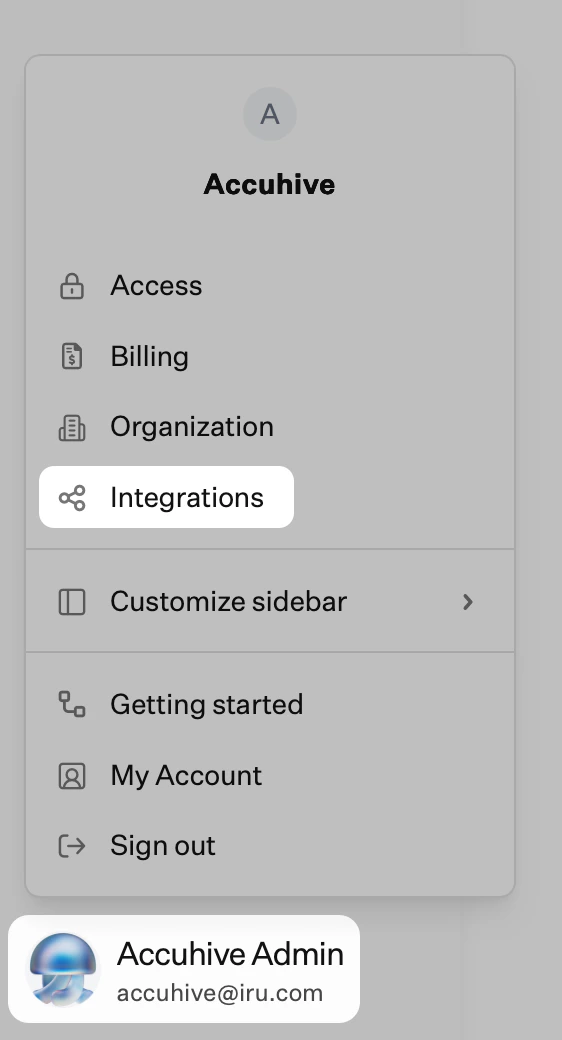
Select Apple
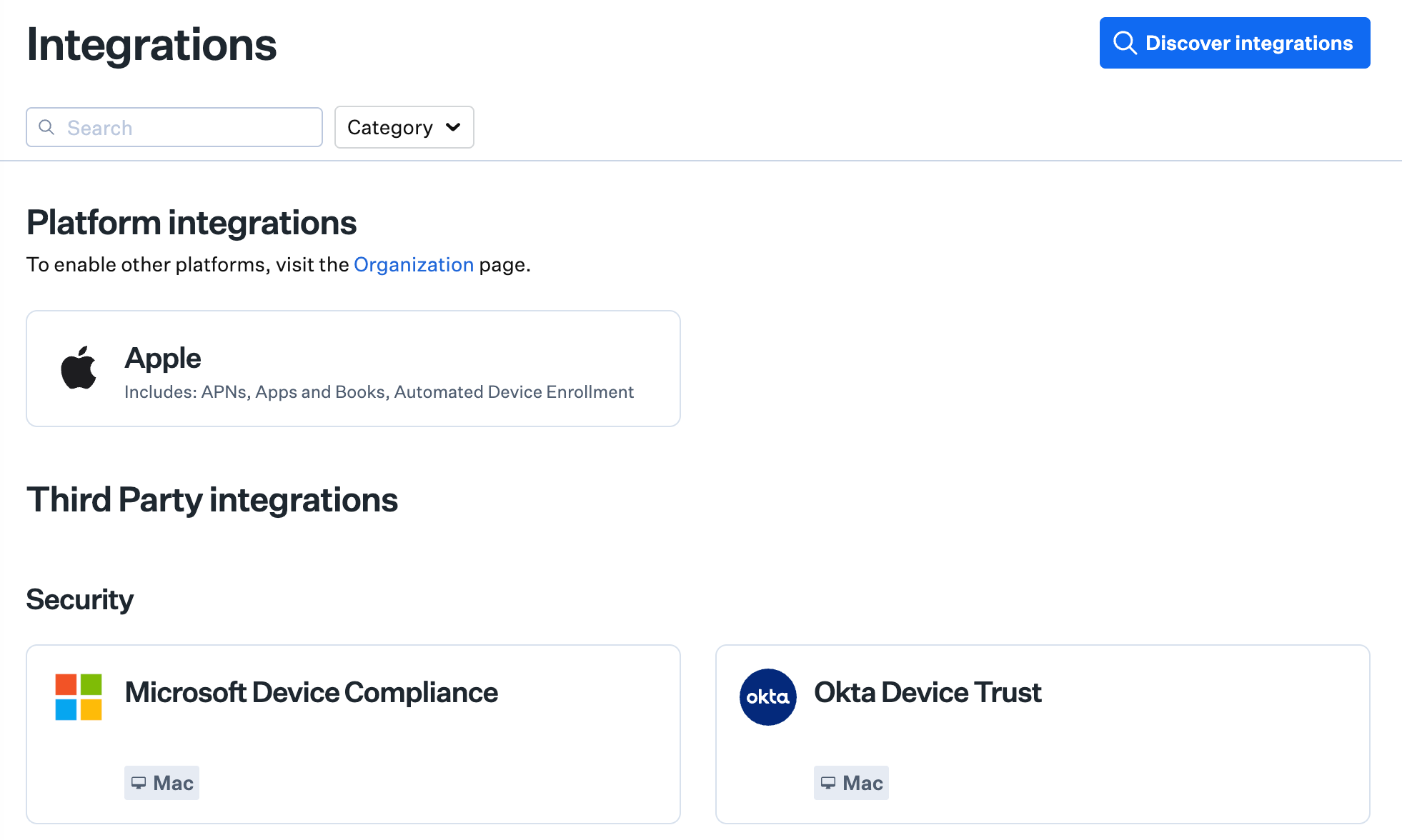
Set up APNs
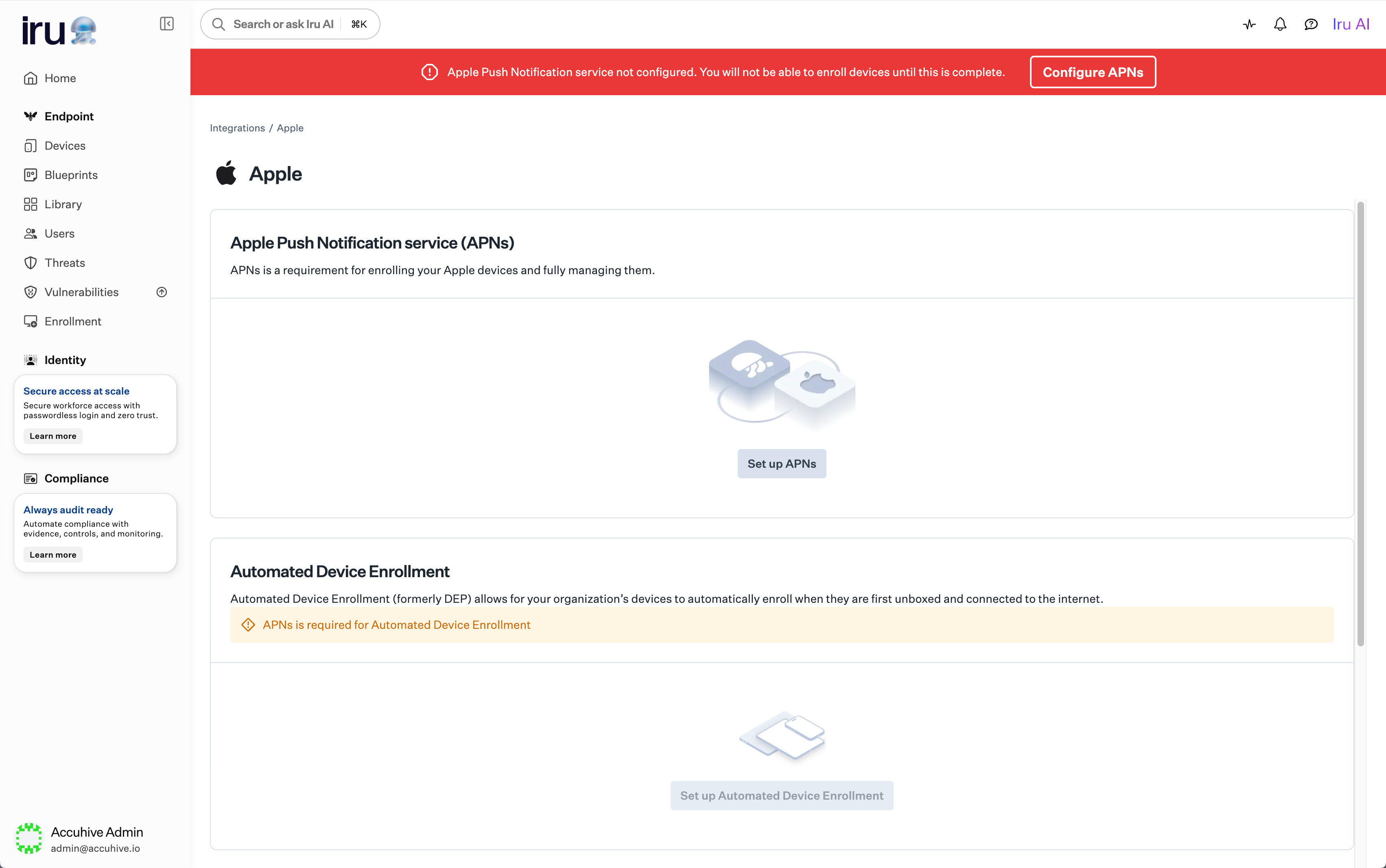
Create an APNs certificate
Renewing Your Apple Push Notification Service Certificate
Open Integrations
Select Apple
Renew Certificate
Complete Renewal
Configure Automated Device Enrollment
Automated Device Enrollment enables zero-touch deployment for corporate-owned Apple devices. Apple Push Notification service must be configured in your tenant before you set up Automated Device Enrollment. These steps configure the ADE token shown on the Apple integrations page. If this Iru Endpoint tenant needs more than one ADE token, add the additional tokens with the Iru Endpoint API. See Configure multiple ADE tokens using the Iru Endpoint API.Enroll in Apple Business or Apple School Manager
Open Integrations
Select Apple
Set up ADE
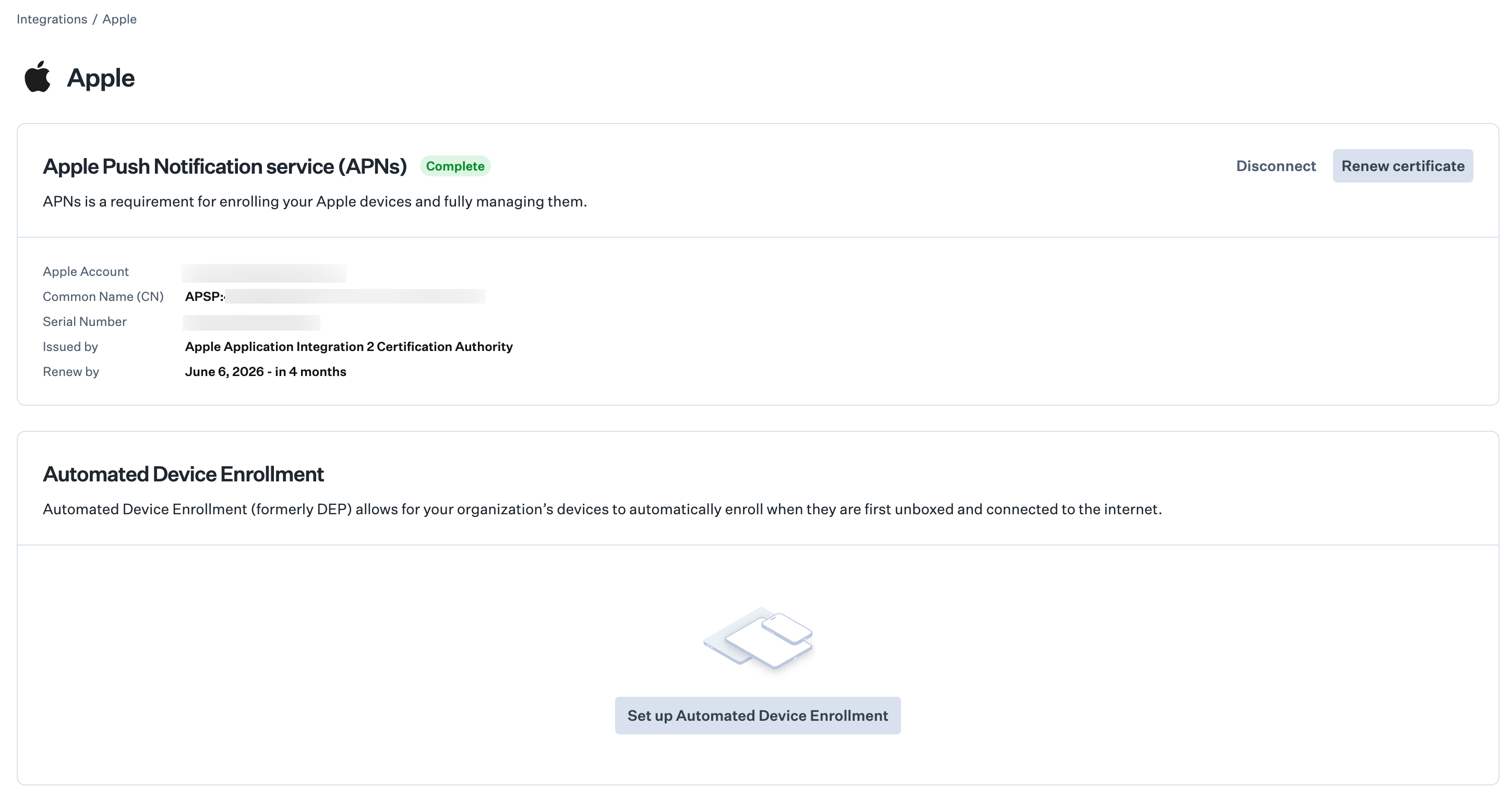
Start the wizard and obtain the PEM file
Sign in to Apple Business or Apple School Manager
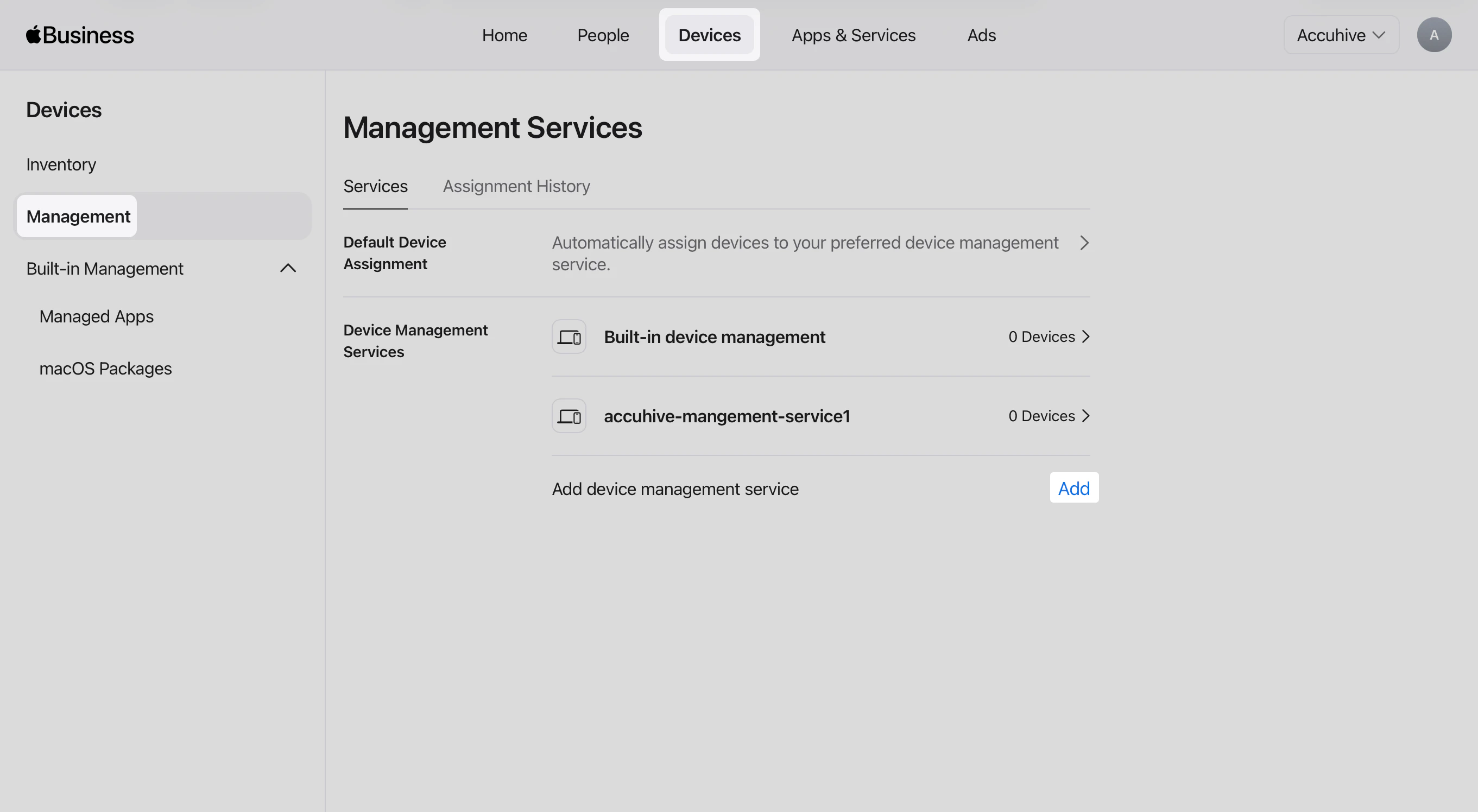
Open the Devices tab
Open Management
Add a device management service
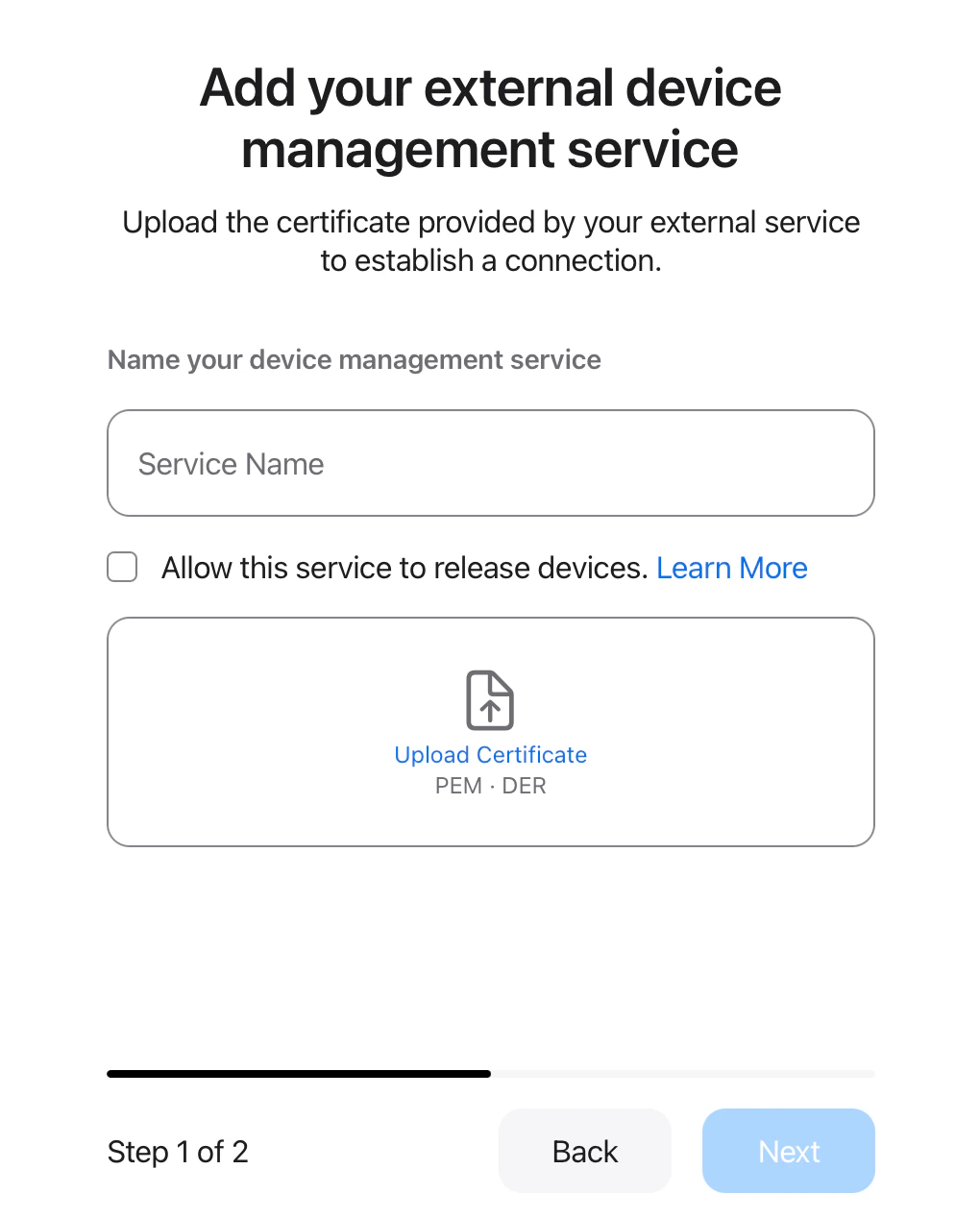
Enter the service name
Optional: Allow this service to release devices
Upload the PEM file
Select Next
Download the service token
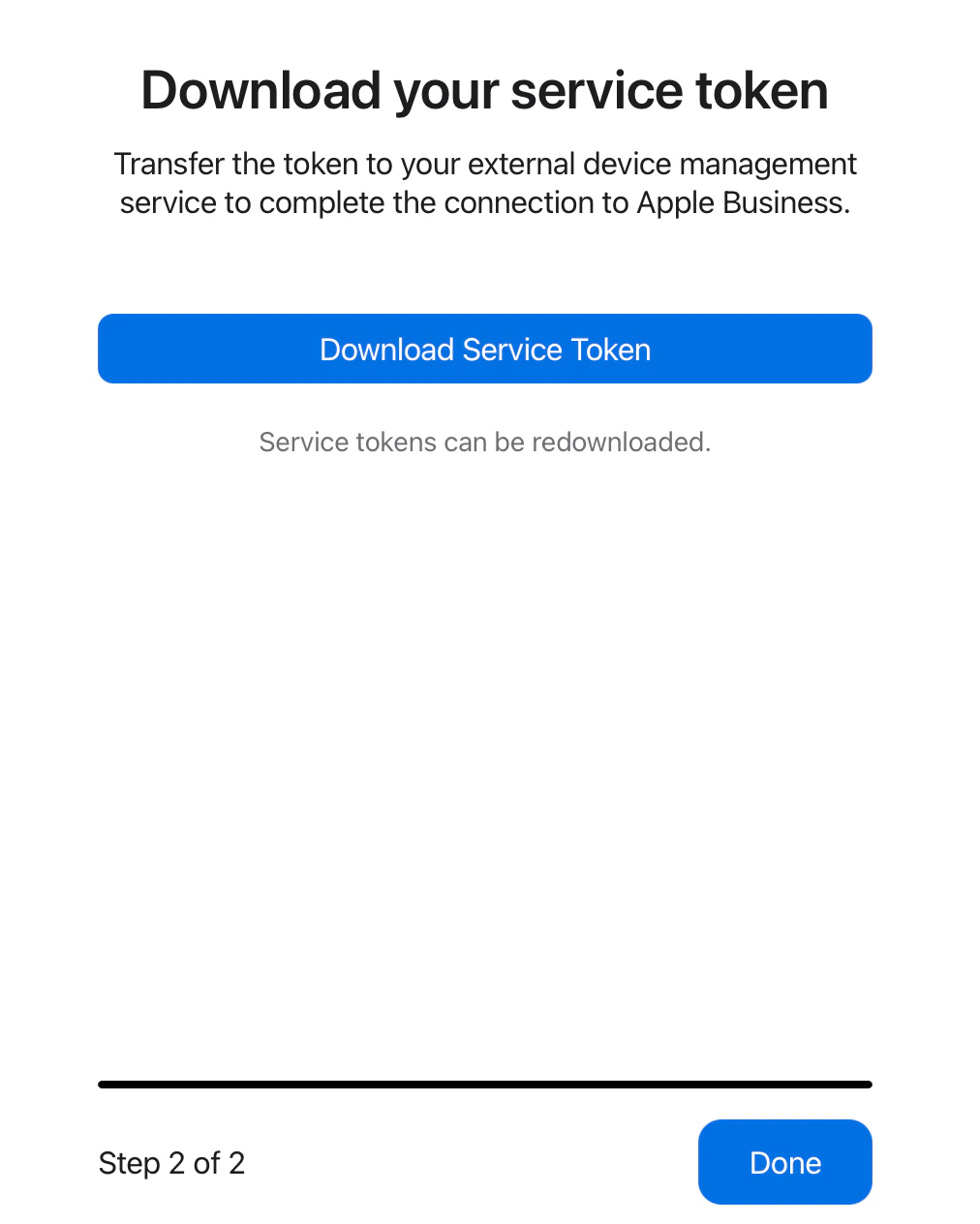
Select Done in Apple Business or Apple School Manager
Upload the token in Iru Endpoint
Complete the wizard in Iru Endpoint
Assign devices in Apple Business or Apple School Manager
Renewing Your Automated Device Enrollment Token
Renew Token renews the ADE token shown on the Apple integrations page. If this tenant already has more than one ADE token, renew the additional tokens with the Iru Endpoint API. See Renew, update, or delete ADE tokens using the Iru Endpoint API.Open Integrations
Select Apple
Renew Token
Complete Renewal
Configure Apps and Books
Apps and Books, formerly the Volume Purchase Program (VPP), lets you distribute App Store apps to devices. Apple Push Notification service must be configured in your tenant before you set up Apps and Books.Create a dedicated organizational unit in Apple Business or Apple School Manager
Open Integrations
Select Apple
Set up Apps and Books
Sign in to Apple Business or Apple School Manager
Open your organization menu
Open Settings
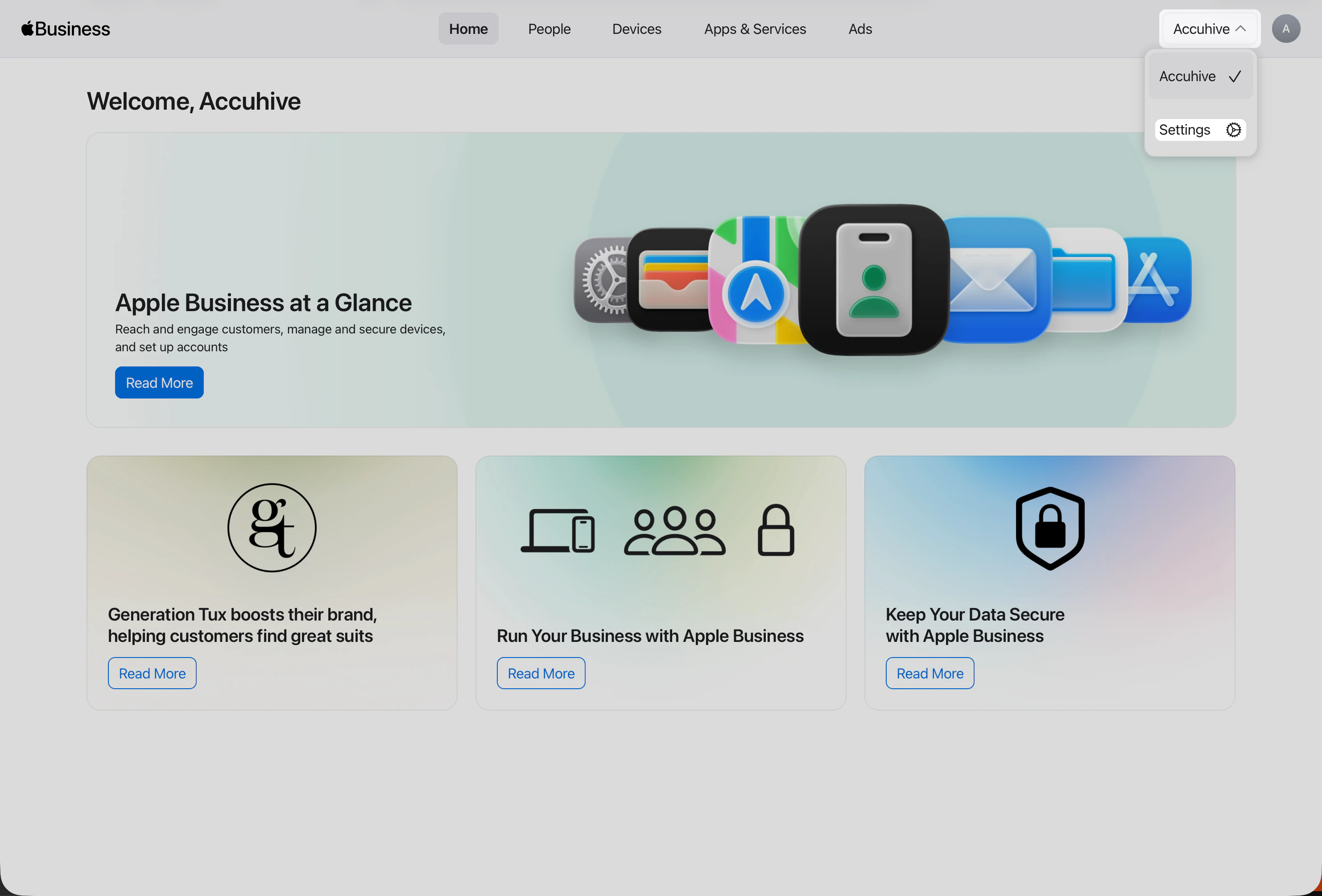
Apps & Books in Settings
Download the content token

Upload token to Iru Endpoint
Complete Apps and Books setup
Renewing Your Apps and Books Token
Open Integrations
Select Apple
Renew Token
Complete Renewal
Next Steps
After completing Apple setup:Configure Blueprints and Library
Enable other platforms (optional)
Set up enrollment for each platform