

About Multiple ADE Token Configuration
Configuring multiple Automated Device Enrollment (ADE) tokens allows you to manage multiple Apple Business or Apple School Manager integrations simultaneously. This process uses the Iru Endpoint API to automate token creation and management, enabling bulk operations and improved token lifecycle management.How It Works
Multiple ADE token configuration works by using the Iru Endpoint API to create, manage, and monitor multiple ADE integrations. The process involves downloading public keys, creating integrations through API calls, and verifying successful token creation. This approach enables automated management of multiple Apple Business or Apple School Manager connections.Configuring an Iru Endpoint API token
It is highly recommended that you renew the current Automated Device Enrollment token in Iru Endpoint (Account Menu Button → Integrations → Platform integrations → Apple → Automated Device Enrollment → Renew Token) before starting this process. Only the latest Automated Device Enrollment token that you add will be displayed on your Apple integrations page; renewing your existing token first makes the process easier. Prepare an API token and store it in a secure location. You can read more about this in our Iru Endpoint API article.Create or Modify an API Token
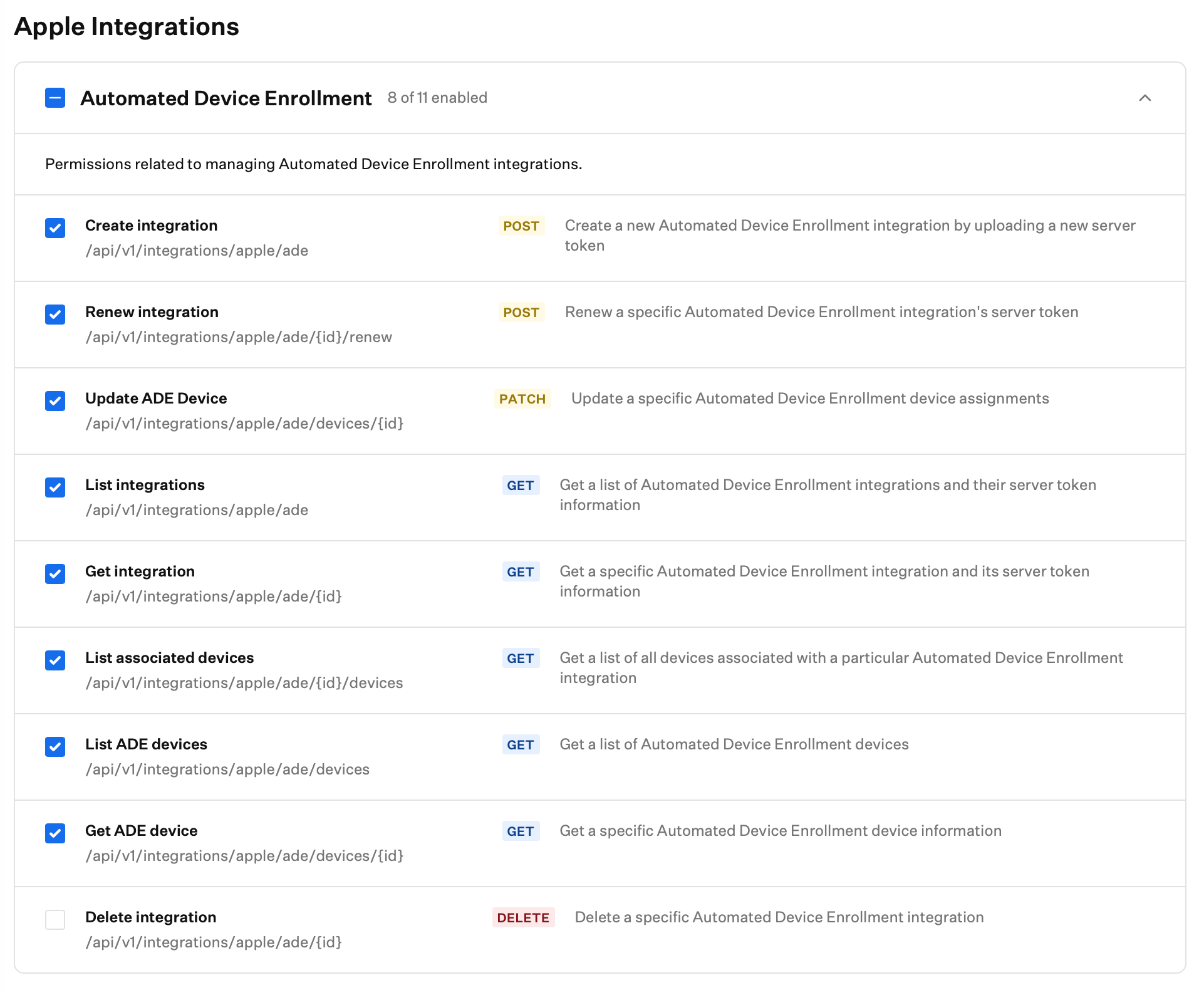
Create a new API token or modify an existing one with ADE permissions.Navigate to the Account Menu Button
Open Access
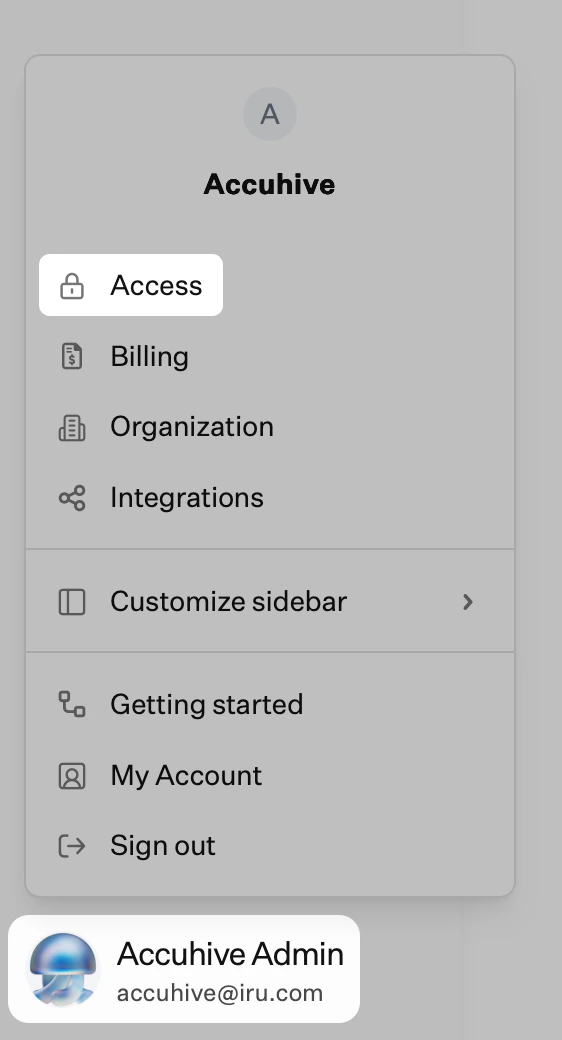
Open API tokens
Configure ADE Permissions
Preparing Postman
Most of the steps moving forward will be performed inside the Postman application on your device. You can skip this section if you already have Postman configured.Check Collection for ADE Folder
Define API URL
Configure API Token
Downloading Public Key
Now that Postman is configured with the API Key and Iru Endpoint Subdomain, you can download the public key.Select Download ADE Public Key
Send API Request
Copy Output to Text Editor
Set File Format
Save as PEM Certificate
Sign in to Apple Business or Apple School Manager
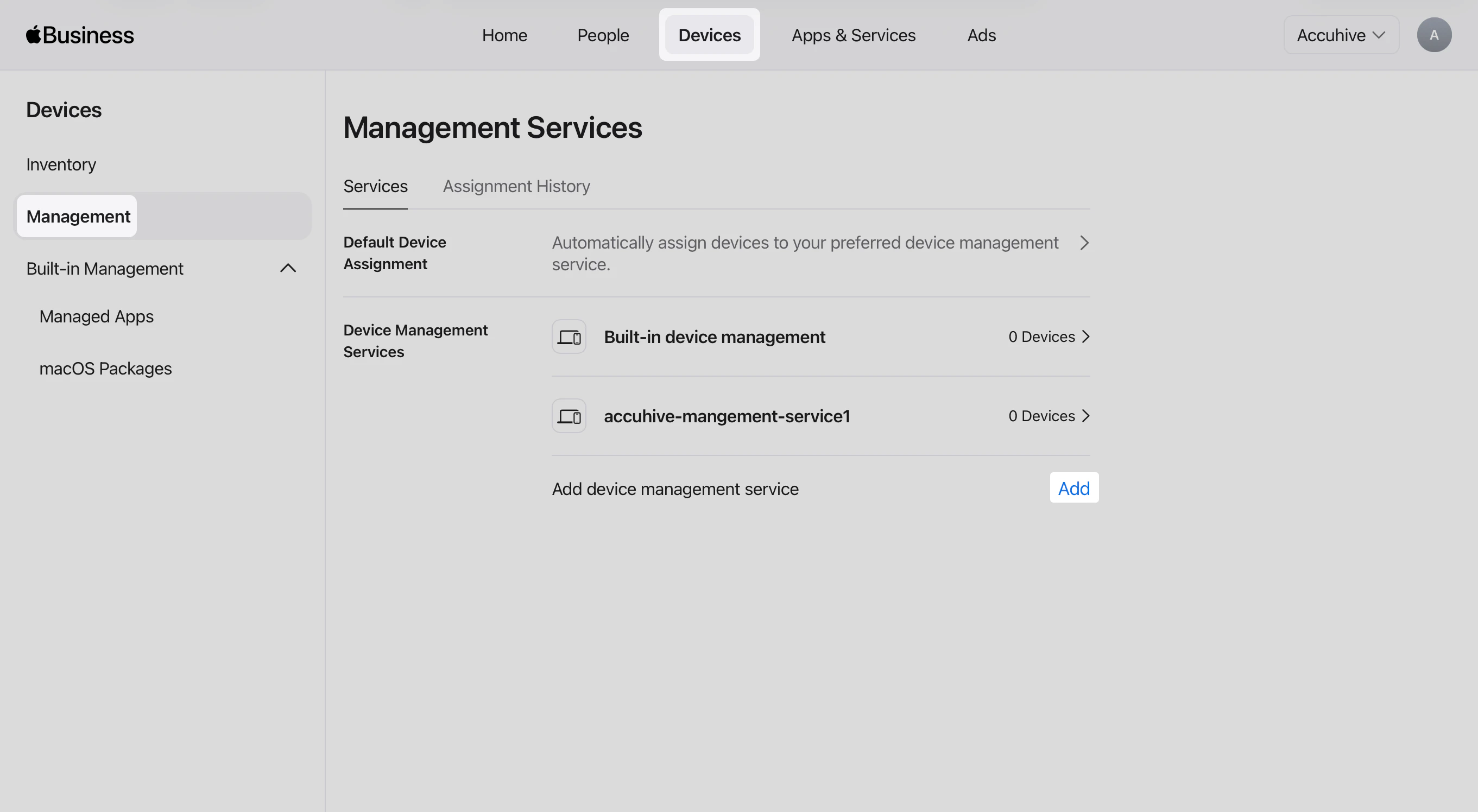
Open the Devices tab
Open Management
Add a device management service
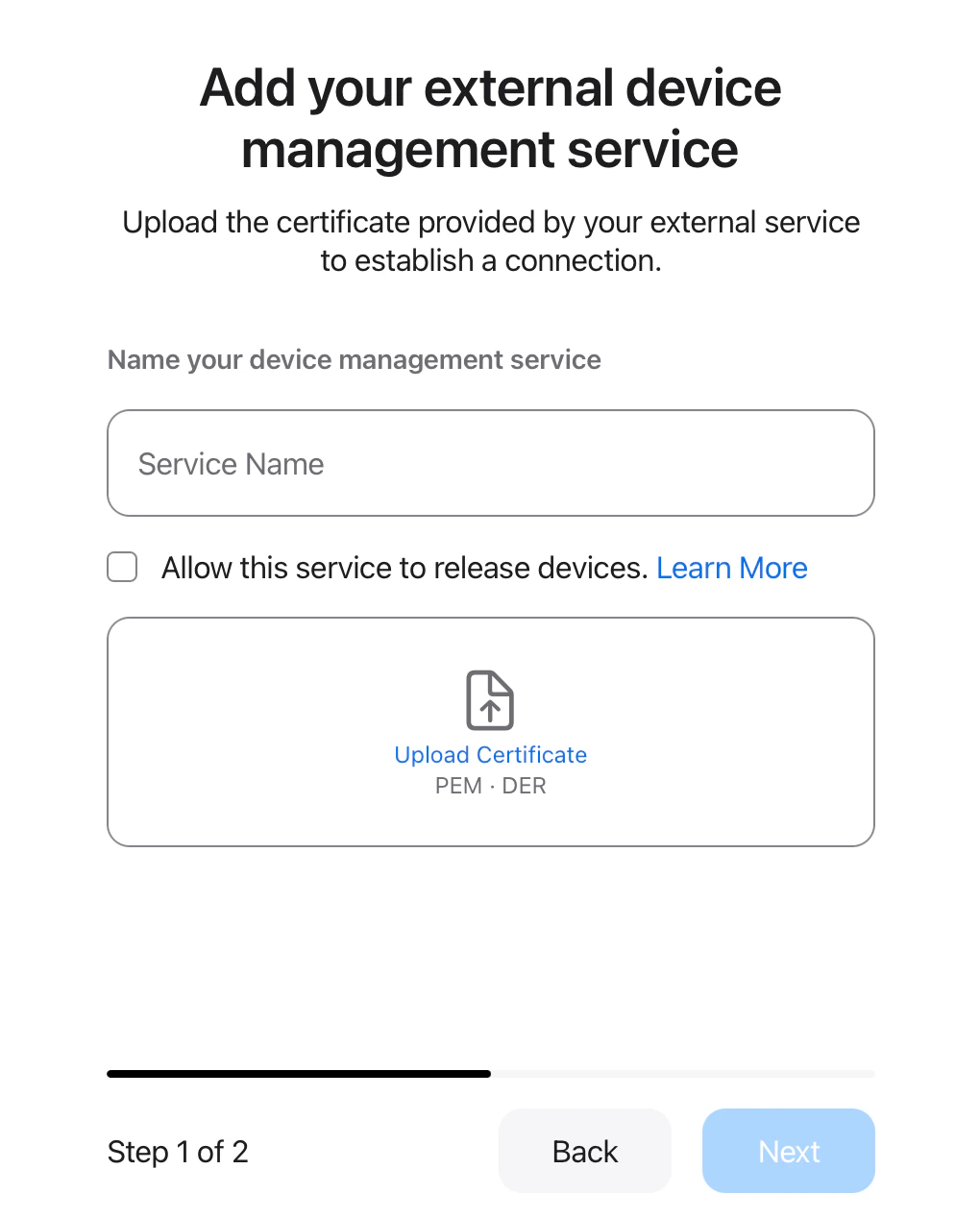
Enter the service name
Optional: Allow this service to release devices
Upload the PEM file
Select Next
Download the service token
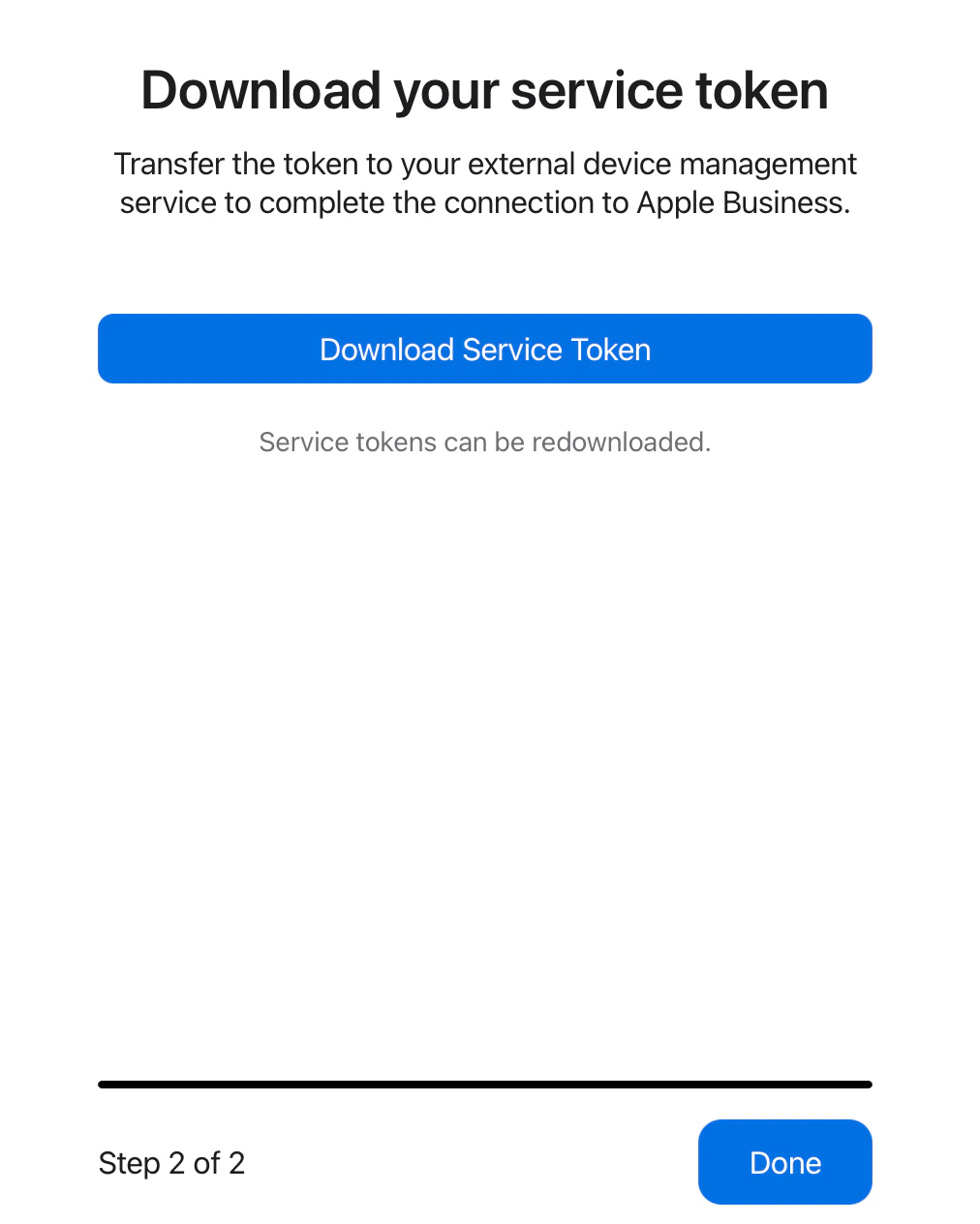
Select Done in Apple Business or Apple School Manager
Creating Integration
This section will cover using the API command that will complete the process of creating the new ADE connection. Use the .p7m file you downloaded from Apple Business or Apple School Manager.Select Create ADE Integration
Configure Request Body
Attach P7M File
Send Request
Checking Current Integrations
Iru Endpoint API > Automated Device Enrollment Integrations > GET List ADE Integrations command will give us all current ADE integrations so that we can verify that the integration was added successfully.Select List ADE Integrations
Send Request
Verify Integration Count
Considerations
API, Postman, and error handling
API, Postman, and error handling
- API Token Security: Store your API token in a secure location and never share it publicly
- Postman Configuration: Ensure Postman is properly configured with the latest API collection
- Error Handling: Monitor API responses for errors and troubleshoot accordingly
- Monitoring: Regularly check integration status and token validity
Tokens, certificates, and limits
Tokens, certificates, and limits
- ADE Token Renewal: Renew existing ADE tokens before creating new ones to maintain continuity
- Certificate Management: Keep track of .pem and .p7m files for each integration
- Integration Limits: Be aware of any limits on the number of ADE integrations per tenant
Blueprints and Apple portal access
Blueprints and Apple portal access
- Blueprint Configuration: Ensure blueprints are properly configured before creating integrations
- Apple Business or Apple School Manager access: Verify you have administrative access to the portal for MDM server creation
Documentation, testing, and support
Documentation, testing, and support
- Documentation: Keep records of all created integrations and their configurations
- Testing: Test integrations in a controlled environment before production deployment
- Backup Strategy: Have a plan for managing integrations if API access becomes unavailable
- Support: Contact Iru Endpoint Support for assistance with complex integration scenarios
- Compliance: Ensure ADE integrations meet your organization’s security and compliance requirements