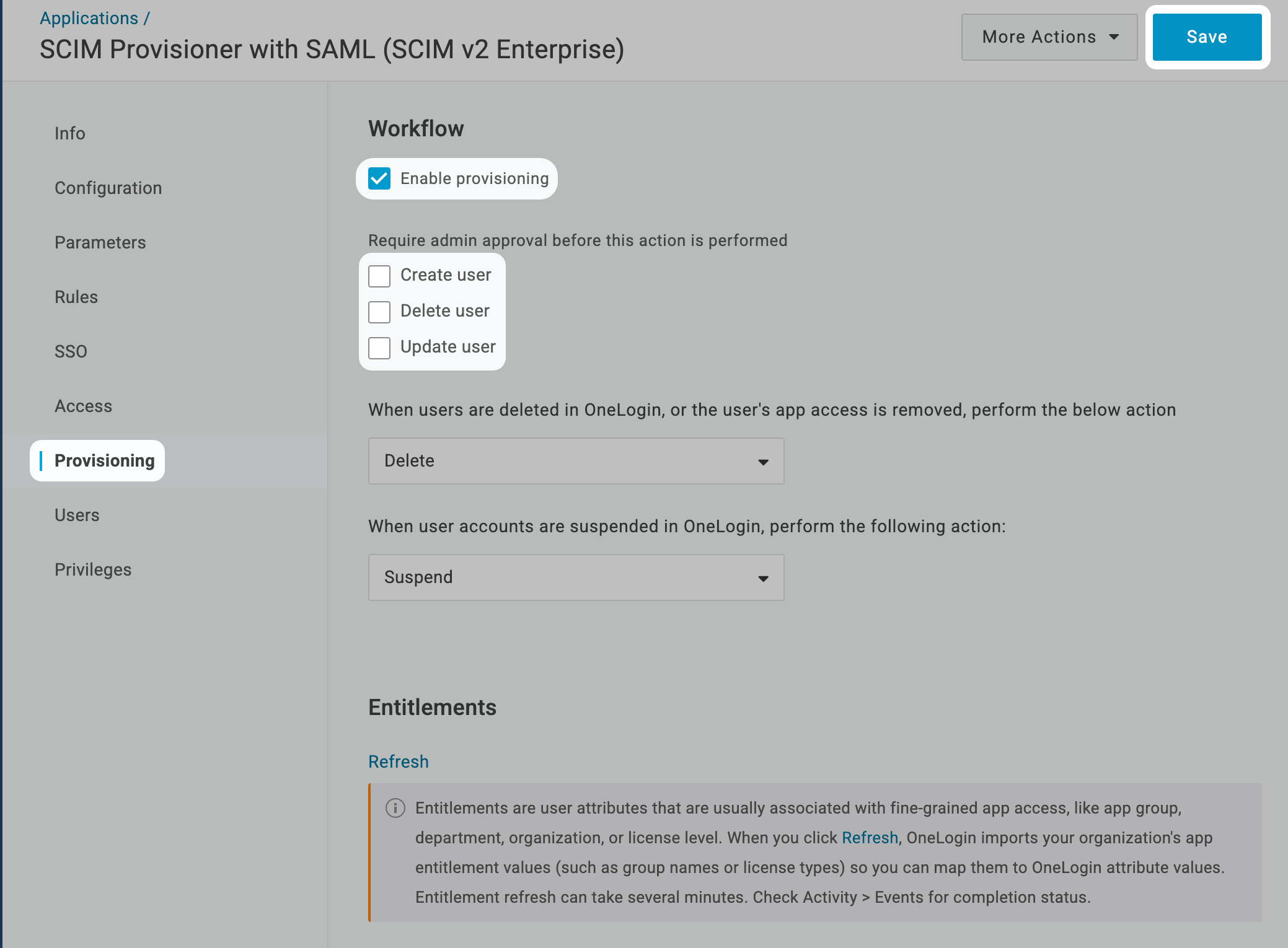
About SCIM Directory Integration with OneLogin
SCIM Directory Integration with OneLogin in Iru Endpoint allows you to set up SCIM-based user directory synchronization between OneLogin and Iru Endpoint, enabling automatic user and group provisioning and deprovisioning.How It Works
The SCIM integration creates a secure connection between OneLogin and Iru Endpoint, enabling automatic synchronization of user and group data. When users or groups are added, modified, or removed in OneLogin, these changes are automatically reflected in Iru Endpoint through the SCIM protocol.Prerequisites
- Be sure to review the supported user and group attributes listed in the SCIM Directory Integration article.
- Iru Endpoint
- OneLogin
Get the SCIM Token and API URL
Complete these steps in Iru Endpoint first. You will need the SCIM access token and API URL when configuring OneLogin. For full details, see the SCIM Directory Integration article.1
Open Integrations
In Iru Endpoint, in the sidebar, select the Account Menu Button, then select Integrations.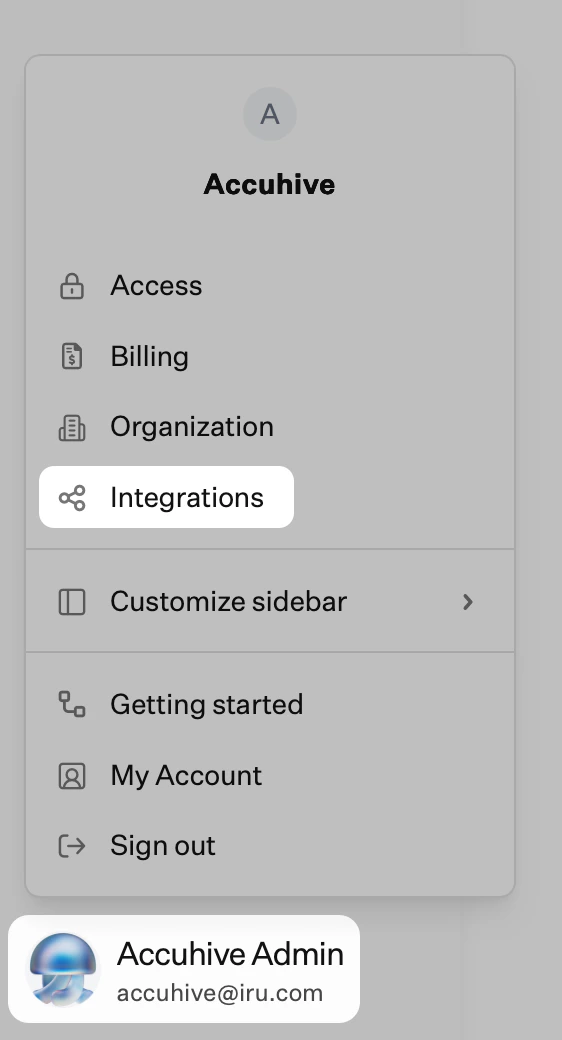
2
Browse all integrations
Select Browse all integrations in the upper-right of the Integrations page.
3
Filter Directory integrations
Check the Directory integrations filter.
4
Select SCIM protocol
Select the SCIM protocol tile.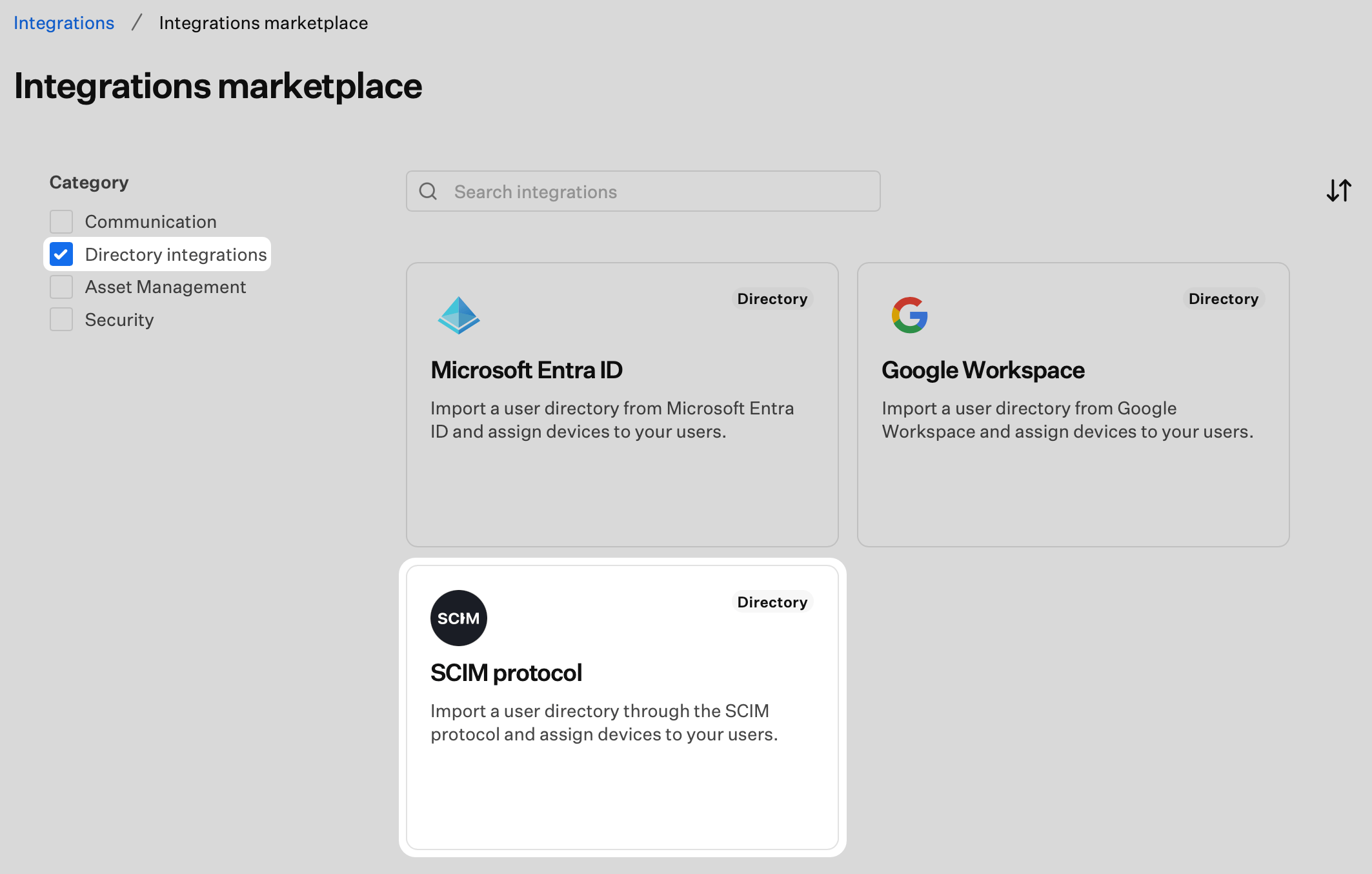
5
Start Configuration
Select Get started.
6
Name the Integration
Enter a unique name for the SCIM integration.
7
Generate Authentication Token
Select Generate token. The SCIM integration uses an HTTP authorization header with a Bearer Token.
8
Copy the Token
Select Copy token. The token will not be visible again after you select Done. Store it securely, as you will need it in the OneLogin tab.
9
Confirm and Complete Setup
Confirm that you have copied the token by checking the box, then select Done. You will return to the Integrations page.
10
Access Integration Details
Select the ellipsis on the SCIM directory integration you created.
11
View Details
Select View Details.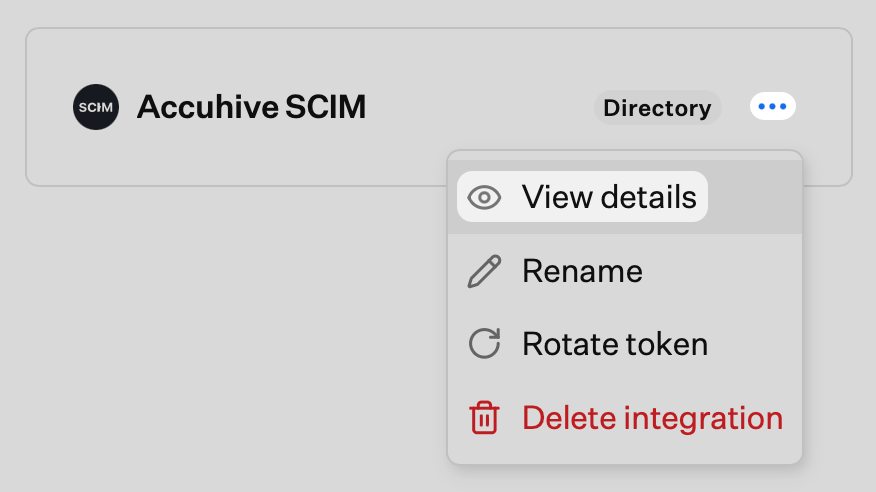
12
Copy API URL
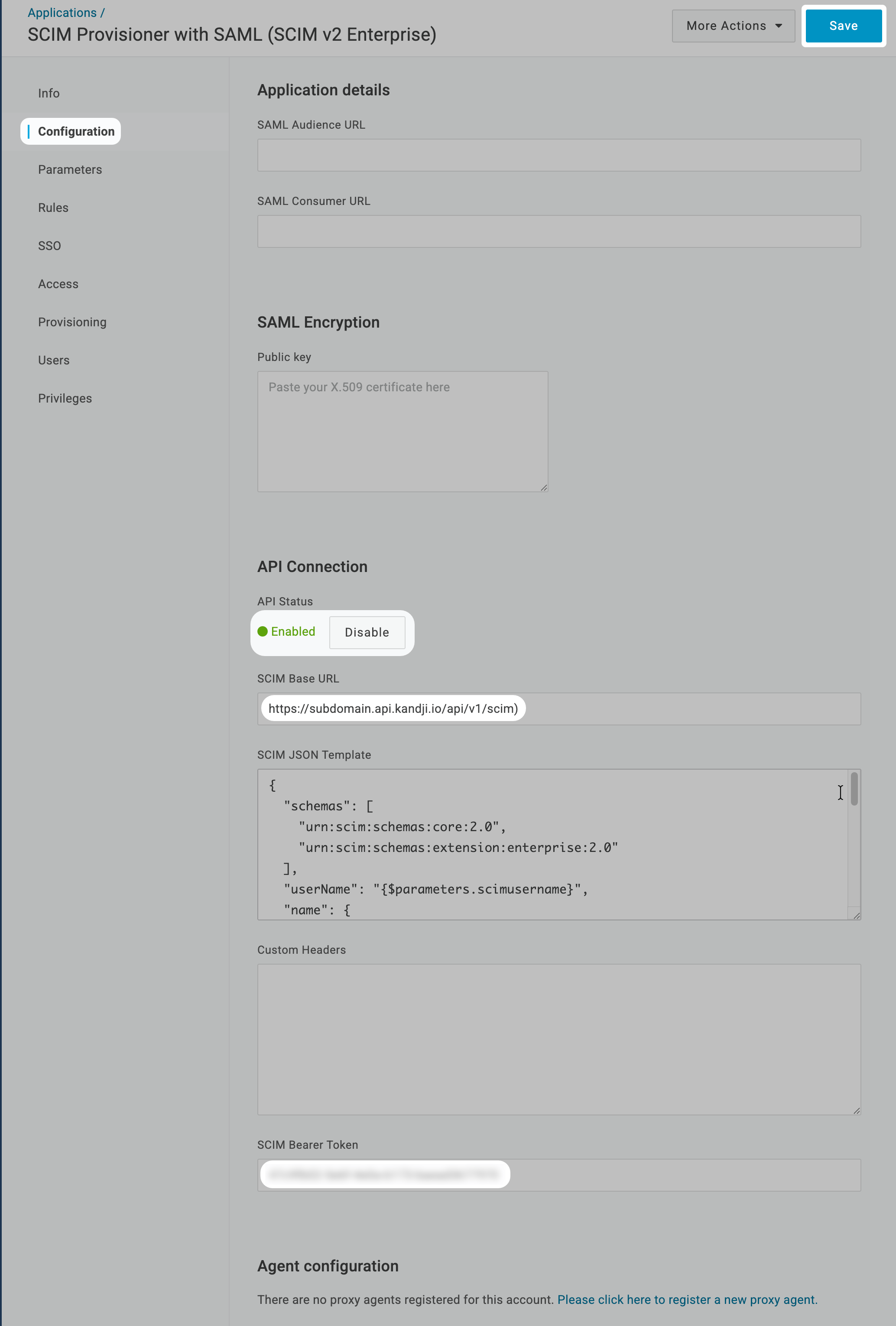
Copy the SCIM API URL (e.g.
https://subdomain.api.iru.com/api/v1/scim). Your identity provider will require this. The URL displayed in your tenant may still show the api.kandji.io domain. The api.kandji.io version of the SCIM API URL will also work for this purpose.13
Close Details
Select Close.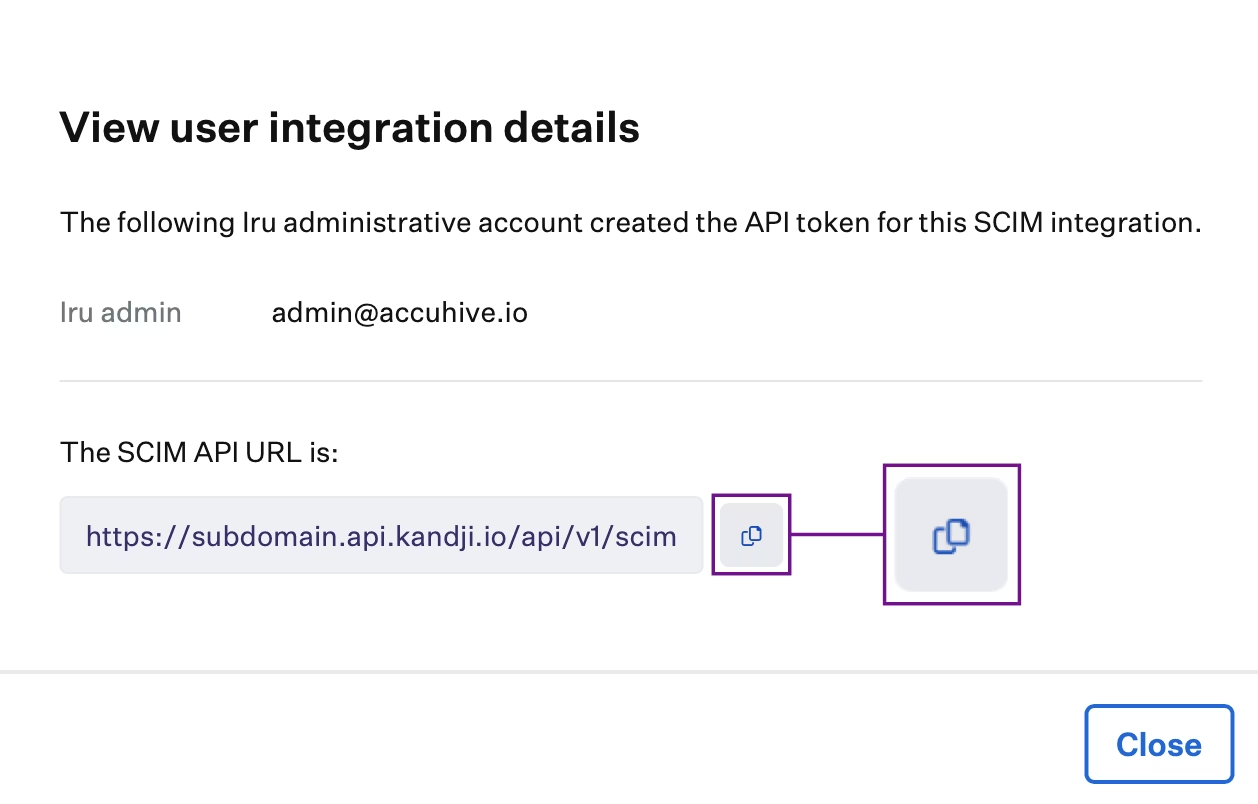
14
Switch to OneLogin Tab
Keep the token and API URL available, then switch to the OneLogin tab to create and configure the SCIM app integration.