

About SCIM Directory Integration
SCIM, or the System for Cross-domain Identity Management, is a protocol designed to make managing user identities across different systems simpler and more efficient. It’s particularly useful when you’re using multiple cloud-based applications, as it helps automate the process of adding and removing users.How It Works
SCIM involves two main roles:- Client - This is usually an identity provider or identity access management system, like Microsoft Entra ID or Okta, that manages core identity data.
- Service Provider - A software-as-a-service (SaaS) application, like Iru Endpoint, that uses identity data to manage user access and permissions.
Configuring SCIM in Iru Endpoint
To configure a SCIM integration between your Identity Provider (IdP) and Iru Endpoint, you will need to:- Create a new SCIM Directory Integration in Iru Endpoint
- Obtain the SCIM API URL and API token from Iru Endpoint to use with your IdP.
- Access your IdP to create an app integration, map SCIM attributes, and push desired user groups.
Creating a New SCIM Directory Integration
1
Open Integrations
In Iru Endpoint, in the sidebar, select the Account Menu Button, then select Integrations.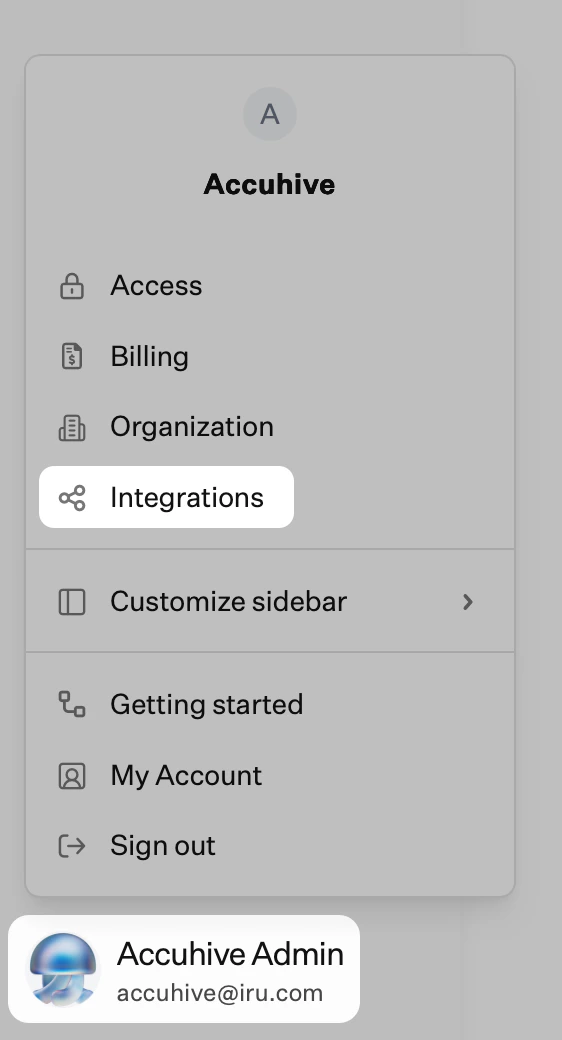
2
Browse all integrations
Select Browse all integrations in the upper-right of the Integrations page.
3
Filter Directory integrations
Check the Directory integrations filter.
4
Select SCIM protocol
Select the SCIM protocol tile.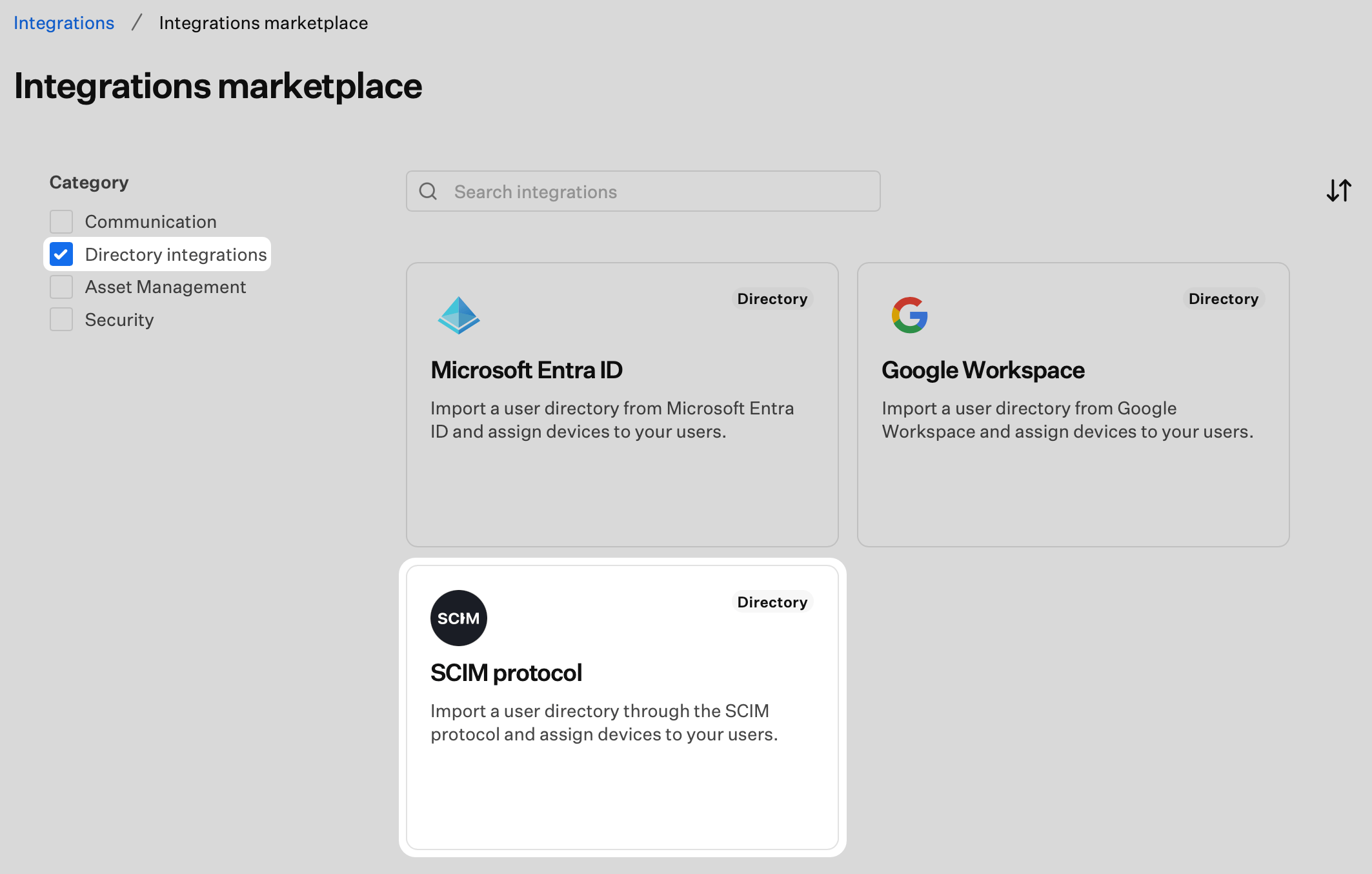
5
Start Configuration
Select Get started.
6
Name the Integration
Enter a unique name for the SCIM integration.
7
Generate Authentication Token
Select Generate token. The SCIM user directory integration uses an HTTP authorization header with a Bearer Token as the authentication method.
8
Copy the Token
Select Copy token.
9
Confirm Token Copy
The token will not be visible again after you select Done. Store it securely before continuing.
10
Complete Setup
Confirm that you have copied the token by checking the box, then select Done. You will return to the Integrations page.
Obtaining the SCIM API URL
Your SCIM API URL is available from the integration details in Iru Endpoint. You will need to provide this URL to your identity provider when configuring the SCIM connection.1
Access Integration Details
Select the ellipsis on the SCIM directory integration you just created.
2
View Details
Select View Details.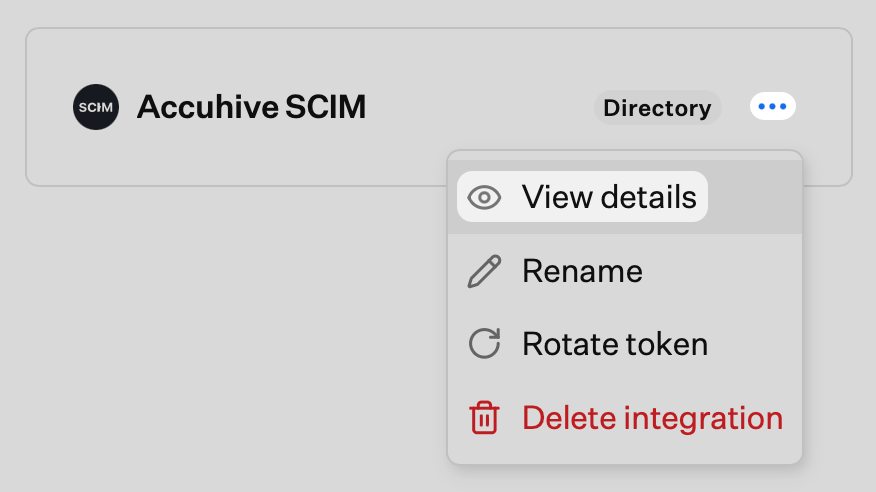
3
Copy API URL
Copy the SCIM API URL (e.g.
https://subdomain.api.iru.com/api/v1/scim). Your identity provider will require this.The URL displayed in your tenant may still show the
api.kandji.io domain. The api.kandji.io version of the SCIM API URL will also work for this purpose.4
Close Details
Select Close.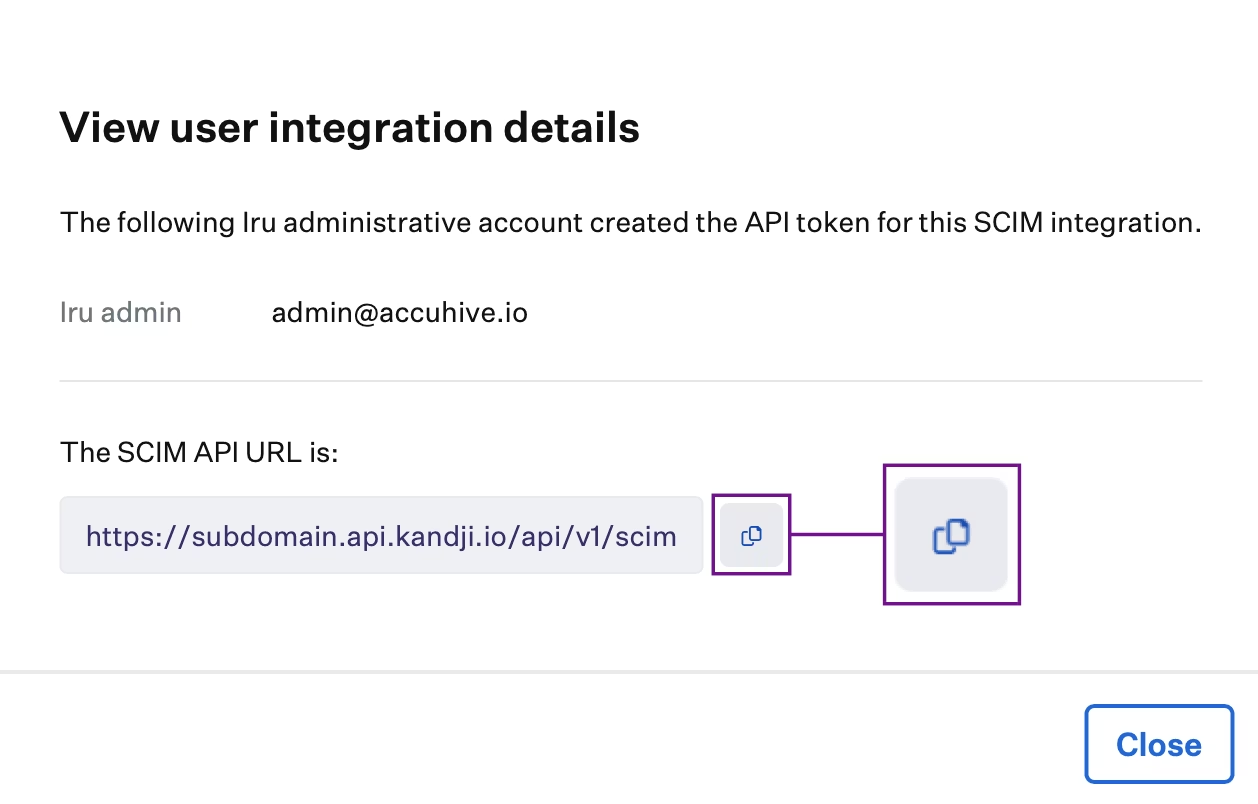
Renaming a SCIM Integration
To change the name of an existing SCIM directory integration:1
Open the integration menu
Select the ellipsis on the SCIM directory integration you want to rename.
2
Choose Rename
Select Rename.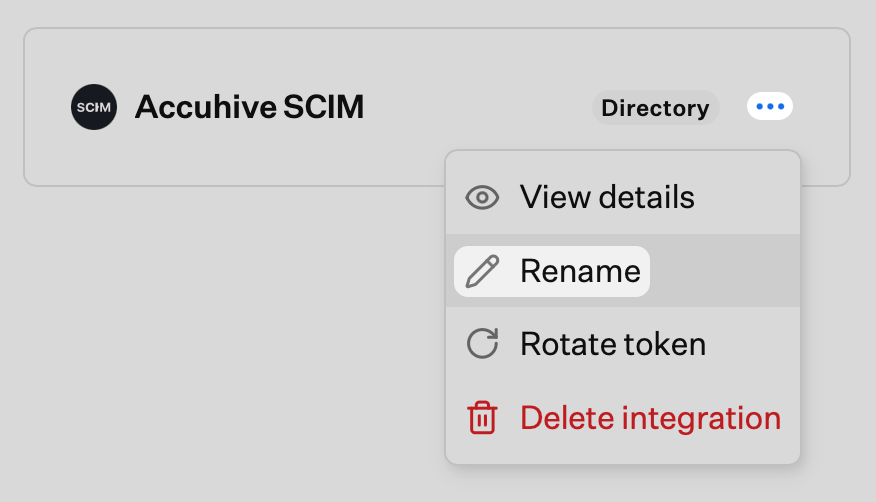
3
Enter the new name
Enter the new name for the integration and save.
Rotating the SCIM Token
Rotate the SCIM API token when you need to invalidate the current token (for example, after a security concern or when reconfigured in your IdP). After rotating, update the new token in your identity provider.1
Open the integration menu
Select the ellipsis on the SCIM directory integration.
2
Choose Rotate token
Select Rotate token.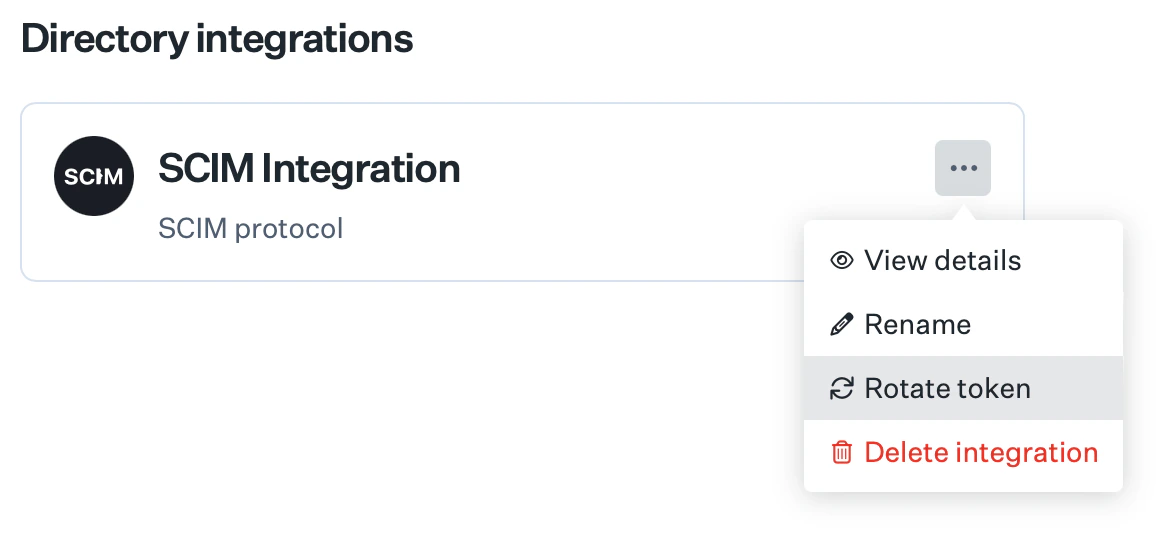
3
Confirm the rotation
Confirm the rotation in the prompt. The previous token will no longer work.
4
Copy the new token
Copy the new token and update it in your IdP.
Deleting a SCIM Integration
Removing a SCIM directory integration stops synchronization from your IdP and removes the integration from Iru Endpoint. Update or remove the SCIM app in your IdP to avoid errors.1
Open the integration menu
Select the ellipsis on the SCIM directory integration you want to remove.
2
Choose Delete integration
Select Delete integration.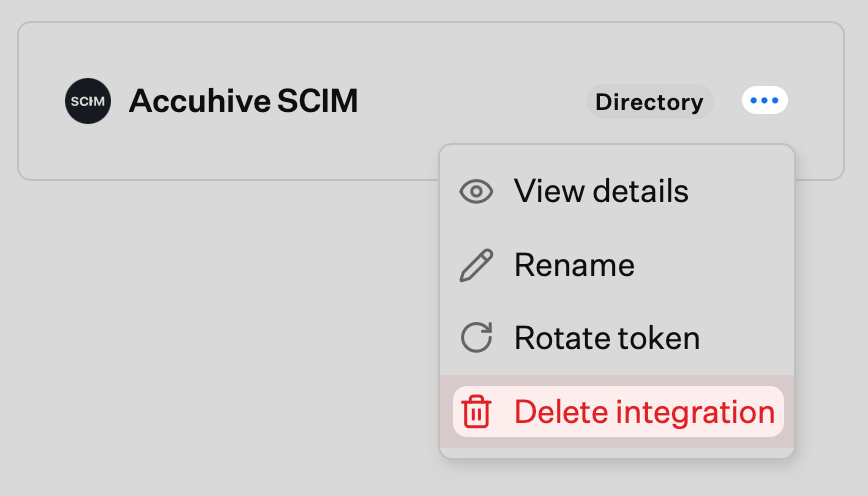
3
Confirm deletion
Confirm that you want to delete the integration in the prompt.
SCIM Schema and Supported Attributes
Iru Endpoint supports the following SCIM attributes. Refer to these attributes when mapping your SCIM application in your IdP.Iru Endpoint does not use any attributes that are not in the list below. To limit the attributes sent, please modify the attributes configured in the SCIM app in your IdP.
Group attributes
When using SCIM to sync users from a directory, the SCIM app automatically sends new information to Iru Endpoint, so there is no need for a Sync Now button that you would see when using the native Entra ID or Google Workspace directory integrations. Each cloud IdP has its own standard for syncing SCIM data.
Please check with your identity provider’s documentation to understand how SCIM sync is configured.
Related Articles
Configure SCIM in your identity provider using the article for your IdP. Iru Endpoint’s SCIM implementation follows the SCIMv2 specification.SCIM Directory Integration with Okta
Connect Okta to Iru Endpoint for automatic user and group provisioning via SCIM
SCIM Directory Integration with Microsoft Entra ID
Connect Microsoft Entra ID (formerly Azure AD) to Iru Endpoint for SCIM-based user and group provisioning
SCIM Directory Integration with OneLogin
Connect OneLogin to Iru Endpoint for automatic user and group provisioning via SCIM