

About the Amazon S3 Activity Log Integration
Amazon S3 Activity Log Integration in Iru Endpoint enables organizations to export unified tenant activity logs to a self-hosted S3 bucket for centralized collection and analysis with SIEM services.How It Works
This integration pushes event data to your specified S3 bucket using cross-account access via an Iru Endpoint-provided IAM role. Once configured, it delivers the same tenant activity events you review on Unified Activity. That includes activity across Tenant (System), Endpoint, Detections, Vulnerabilities, and Compliance. Use Unified Activity to browse and filter what was recorded; use your S3 bucket for long-term storage, SIEM ingestion, or offline analysis. For event field definitions and API details, refer to the activity log API documentation.Prerequisites
Before configuring this integration, ensure the following:- You have an active AWS account.
- You have permissions to create a new S3 bucket.
- You have permissions to create an IAM Role with AssumeRole and S3 write permissions.
Setting Up AWS Access
Iru Endpoint Integration Setup
Open Integrations
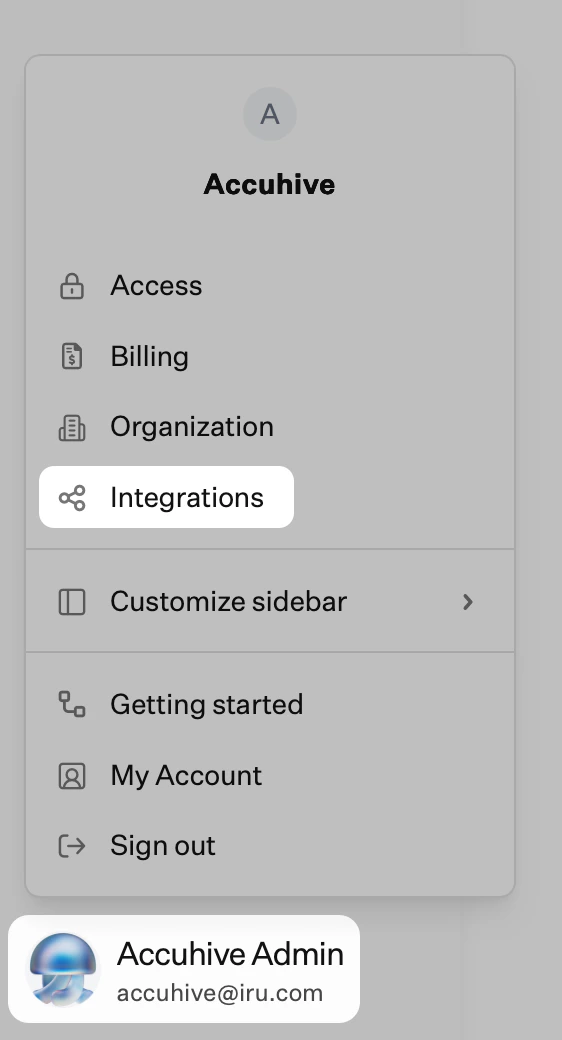
Browse all integrations
Select Amazon S3 Activity Log Integration
Copy IAM Role
Copy AWS Account ID
Store Values Securely
Creating S3 Bucket
Access AWS Console
Navigate to S3
Create Bucket
Select Bucket Type
Enter Bucket Name
- This name will be referenced in policies.
Configure Public Access
Set Versioning
Configure Encryption
Enable Bucket Key
Review Configuration
Create Bucket
Select Created Bucket
Access Permissions
Edit Bucket Policy
Add Bucket Policy
Replace bucket name references
Navigate to IAM
Create New Role
Select Trust Policy
Add Custom Trust Policy
-
Replace the IRU_ENDPOINT_AWS_ACCOUNT_ID and IRU_ENDPOINT_IAM_ROLE text with the values you made a note of at the beginning of the article.
Continue Role Creation
Skip Permissions
Add Role Details
Complete Role Creation
Select Created Role
Access Permissions Tab
Add Permissions
Create Inline Policy
Switch to JSON
Enter Inline Policy
Replace bucket name
Continue Policy Creation
Name Policy
Create Policy
Setting Up the Integration in Iru Endpoint
Once the above is configured in your AWS account, you can proceed to setting up the integration in your Iru Endpoint account.Open Integrations
Browse all integrations
Select Amazon S3 Activity Log Integration
Continue Setup
Enter AWS Account ID
Enter S3 Bucket Name
Set Destination Path
Enter IAM Role ARN
Enter AWS Region
Connect to S3
Verify Connection
Verify Event Data